
AI Agents vs Agentic AI
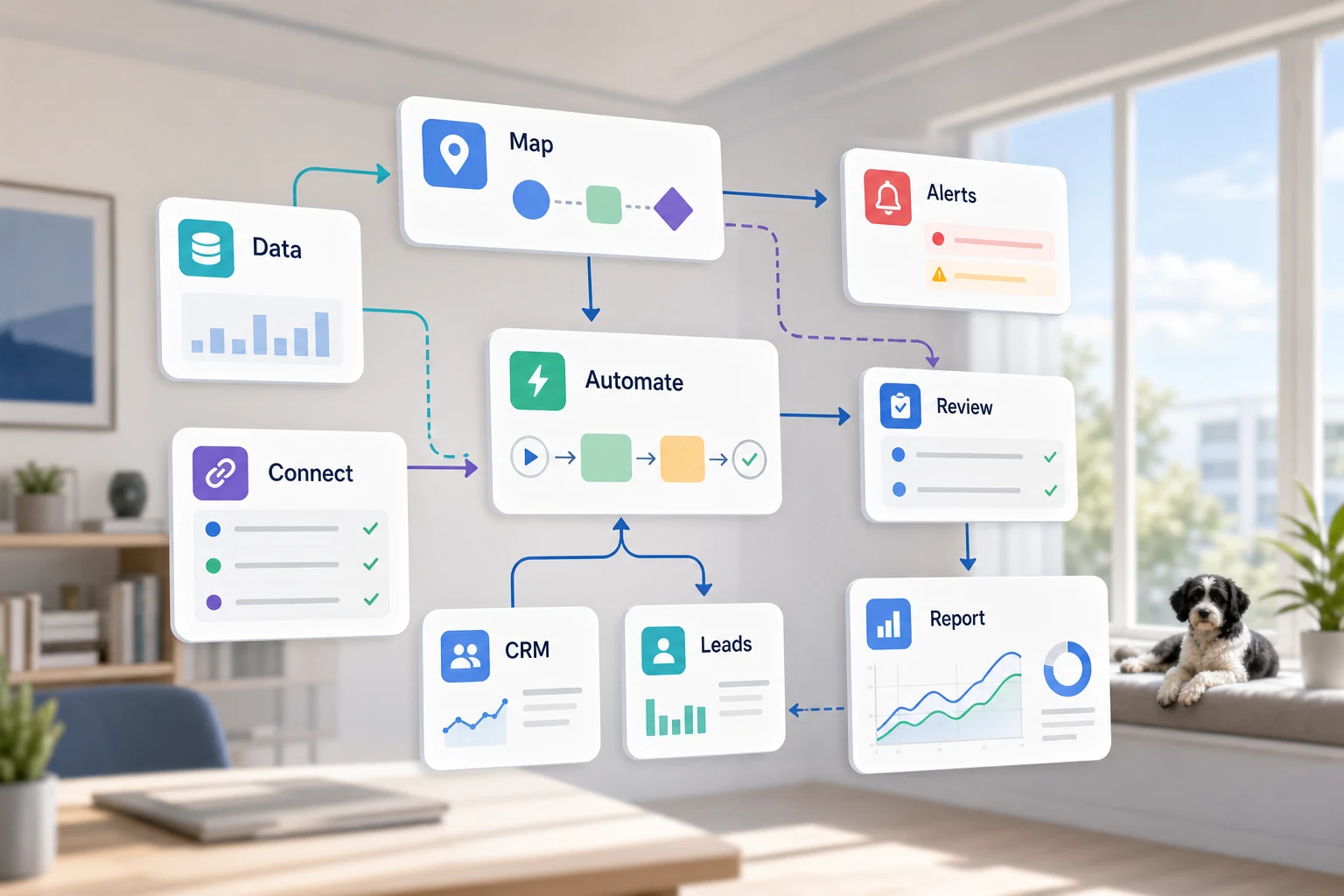
The phrase ai agents vs agentic ai sounds technical, but the practical question is simple: which repetitive workflows should be prioritized to ease verification and reduce reliance on memory.
This guide offers a way to tackle the agents vs agentic dilemma by illustrating the potential of AI to automate tedious tasks, identify the limitations of automation, and provide the framework necessary to select the most appropriate option from simple automation tools, AI workflow customization, and managed adoption services.
Where this fits in a real business
Most repetitive tasks that pose the greatest potential for automation are often the most unexciting. These tasks lie in the overlapping spaces of emails, spreadsheets, notes in your CRM, invoices, customer support, forms on your website, research, and routine reporting.
sending form submissions to a CRM automatically along with a clear owner and next step automating weekly spreadsheet tasks so that a dashboard or email report is generated sorting support requests with an automated process for the majority and manual review for the edge cases organizing research in a clean format instead of an unorganized mess wherever it is profitable for the business, integrating OpenAI, Claude, Gemini, OpenRouter, n8n, Google Workspace, Slack, Telegram, or a VPS hosted Common related terms to this topic
This topic appears with minor linguistic differences. Examples of terms useful in this context include:
ai agents versus agentic ai Workflow vs Tool-first decision
A workflow-first approach starts with the handoff, who the input is from, what data is to be trusted, what should be reviewed by a human, and what output validates the work was accomplished. A tool-first approach focuses on a product and tries to adjust the workflow to fit.
When applying this to Cyberlife projects, it generally means understanding the current process, determining what can be automated with minimal risk, and developing the automation in a controlled manner to contain the automation to what is necessary. The focus of this approach is to avoid "over-automation" that implements flashy technology, but actually increases the overall workload due to higher cleanup requirements.
Items to prepare prior to automation
Sample data for the current state. This may include forms, emails, spreadsheets, files, CRM records, and chat messages.
Example of the desired final state. Task, notification, report, dashboard, document, and CRM records are some possibilities.
Define the criteria and rules that warrant human review and what exceptions will be allowed.
Explain why each step/tool is necessary and the value of the integration.
A brief measurement of success, like time saved, less follow-ups missed, or reporting that is done in less time.
When Custom Solutions Are Justified
When you have a straightforward process that your team can sustain, you can use off-the-shelf tools. A custom solution is justified when your workflow spans multiple systems, requires AI, has data privacy issues, or needs to be reliably served with monitoring and backups.
If this relates to an operational workflow you wish to optimize, check our AI agent development services (/ai-agent-development-services/) page to see what we can implement for you.
What This Page Is Actually About
Most people don’t take time to think about building a new platform. Instead, they want a specific time of the day or week to not be fragile. One person copies lead information from an email into a CRM. One person exports the same numbers every Friday. One person checks to see if the document was saved in the correct folder. These tasks seem too small to care about, until they decide how quickly the business can operate.
This is the context of the battle for ai agents versus agentic ai. The most relevant question is not whether an automation process seems modern. The most relevant question is where the current process falters, who the stakeholders are that will clean the process up, and what the process would look like with safety and the ability to run the same repetitive tasks over and over.
If developing an automation system for a small business, start small. Choose one workflow. Determine a specific trigger. Figure out which data is reliable. Identify result review touchpoints. Finally, build the first version.
Where the Work Usually Starts
First draft a workflow map using simple, straightforward language. Something that doesn't have to look pretty, but can answer tough questions like: what kickstarts each process?, what data is inputted?, what system is the master record?, who is the recipient of notifications?, what is considered done?, what is the response when something seems off?, etc.
This can be the difference between a successful and a pointless automation project. The more unclear the workflow, the more unclear the automation. If you can't operationalize the hand off, the software is just moving the confusion more quickly.
The automation is more successful if the system is optimized slowly and later sped up. Track the exact steps and eliminate the unnecessary. Finally, maintain human oversight where necessary and automation where appropriate.
Workflows related to this topic
Automation varies by organization, but the form/systems relationship and the type of work to be done are pretty universal. Creating a CRM record from a website form, assigning ownership of the record, sending the first reply, and creating the record's follow-up task. Categorizing a support request, matching it to an existing CRM record, composing it for review, and sending it on to the appropriate reviewer. Creating a weekly report that aggregates and summarizes data from multiple systems in time for the Monday morning meeting.
The type of work to be done is also pretty standard. With forms and docs like invoices, intake forms, PDFs, contracts, and even individual rows of a spreadsheet, there is a lot of structured data that is hidden behind a lot of messy formatting. Automation can work to extract fields, rename a file, update a record and, if there is enough ambiguity to warrant it, review the case.
Type of work to be done for research is also here. There is no longer a need to have someone physically gather a disorganized collection of research notes from websites, spreadsheets, emails, and chat messages. Rather, the system can be set to gather the various forms of input, arrange and organize them, and add them to a draft to be ready for review.
Keep it Human
The most successful automation works to automation what should be kept human. Things like critical thinking for pricing, emotional intelligence for customer/employee interactions, legal/judicial/medical decisions, complex and atypical complaints, and ambiguous documents usually require human touch. These are not weak points for automation; rather, they are automation's strongest points.
An ideal workflow prep the data and suggest and prompt for the next action. Like most things in automation, this saves time, and it solves one of the biggest challenges in the realm of automation: allowing a system to take action for which a business cannot provide reasoning.
The right approach to many Cyberlife projects is "automate the prep, keep the approval." The technology can build context, draft a message, make updates, and note the exception. Only the reviewer can decide what needs to be evaluated for an exception.
Tool choice without tool worship
Tools are important, but the workflow should guide their selection. Some tasks are solved with simple connectors, while others will require n8n, Make, Zapier, Google Workspace, a CRM, a private database, or a custom API. Some tasks will require the use of OpenAI, Claude, or Gemini for classification, extraction, summarization, and other forms of textual creation. The use of a VPS, Docker, a backup system, monitoring, and logs is also justified if the workflow needs to run unattended.
The use of the wrong tool is often the result of letting the tool guide the project instead of understanding the business problem first. Despite looking flashy, tools can be inappropriate for a problem. Something simple, cohesive, and understood is better than a flashy tool no one wants to use.
When comparing ai agents and agentic ai, the better approach is to ask the right questions. Can the workflow be tested? Can errors be made visible? Do non-tech users understand the process? After implementing ai, will the users be able to modify the tool without extensive rework
What to do before you build
Before you implement the tool, get some real examples. Use real data and submit examples that are not fake. Provide some examples of the mess: an email, a takeout form, a filled out, but not too confusing, a row from a spreadsheet, an invoice with an uncommon vendor name, or even a support ticket.
Define desired outcomes in a CRM update, dashboard, task, notification, renamed file, draft response, report, human review queue, etc. The more specific the output, the more the team will know if it was achieved.
List exception rules as soon as possible. What should legally stop the workflow? What should be routed to a human? What data is private? What should be logged? What should never be sent at all?
How to Measure if it Worked
The best metrics are the most mundane. Did the lead get a faster response? Did the report arrive with no manual cleanup? Did support requests sit in the wrong inbox less often? Did the owner know the answer without having to open a fifth tool? Did the team spend less time copying and more time deciding?
Most of the time, automating the best parts of a business model just takes time. The most vital step to automation is measuring the value of the un-automated.
The goal of a useful first automation is to make one daily or weekly task easier to automate. If no one knows the task was automated, the project was probably too abstract.
The final version should explain what was done by including important terminology. This will involve labor like mapping the process, connecting the tools, managing the exceptions, and leaving the client a workflow that is verifiable.
What to Include in the First Draft
The first draft should include, at a minimum, an unambiguous trigger, an unambiguous outcome, and an unambiguous mechanism to detect failure. If the workflow is started by submitting a form, the process should be clear on where a record is found, who the record owner is, what messages are sent, what notifications are sent, and what happens to the record in the case of an exception. If the workflow is initiated by a report coming from several data sources, the owner should know if one of the data sources has caused the exception, instead of receiving a neat, but incorrect, report.
When building a workflow that uses AI, this becomes critical. Users should be able to input a workflow. AI should be able to output a workflow. Workflow logs should be designed to show what actions the AI has taken. The AI should be able to request assistance from the user if there is a lack of certainty in the concepts; the AI should not make the assumption.
The first version of the workflow should also minimize branching. In the first version of the workflow, it is easy to lose focus on the main purpose by including every possible outcome. Instead, focus on the most common outcomes, and leave the greatest amount of flexibility for user review.
What Can Go Wrong
Automation is a tedious process. A customer relationship manager (CRM) owner is not found. Field names are changed. Spreadsheet tabs are renamed. Formats of invoices are changed by vendors. Models create draft answers that are confident, but inconsistent with the account's history. All of these problems exist, but should not be excuses for avoiding automation. Instead, they should be incorporated to ensure better automation.
If a step in a sequence of automated activities fails then it should be designed to notify people who will be able to fill in the context and then fix it. Avoiding design activities for automation should be undertaken and if data is not enough for automation someone should decide the best thing is to avoid adding optimal data.
This is the happy path in automation design.
When to Ask For Help
Conceptually, an automation that is connecting internal tools is a good step forward if a team member can take care of tool connections automation. It is better to get external help if a workflow automation spans multiple systems, needs to process private data, and intelligence, and can have a negative impact on sales, customer support, finance, or operations.
Cyberlife Development can help you with building the automation you need. The best place to get started is not a detailed technical document. It's a simple statement. Write down what you think are the time-consuming steps in the current process, and what the ideal automation should do.