
Top Marketing Automation Tools
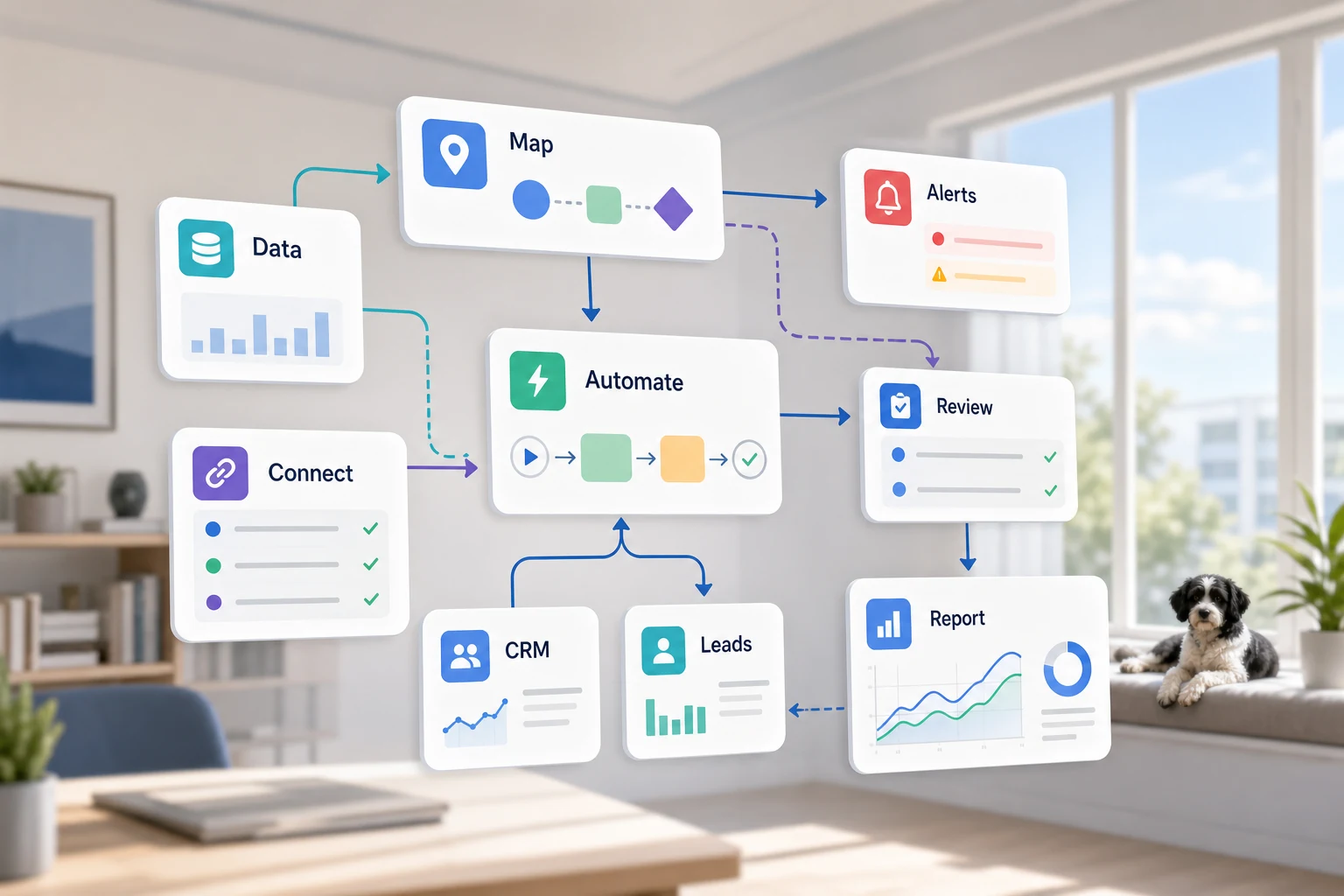
Best marketing automation tools
What are the best marketing automation tools? It goes beyond what software is available. For a small business, it’s about knowing which recurring workflow should be automated to streamline the process and take the reliance off an employee to remember all the steps.
This guide provides the information to think about the best marketing automation tools from a practical perspective. It informs readers about the issues marketing automation can solve, the shortcomings of automation, and the differences between simple automation, custom AI workflows, and managed automation services.
Positioning automation tools in a business
The best candidates for automation are most repetitive and least error-prone tasks. Most of these tasks are located within email messages, spreadsheets, CRM notes, invoices, customer support inboxes, web forms, research and reporting activities.
configuring form submissions into a CRM with a clear owner for follow-up and next steps
automating the dashboard and email summary to replace a manually done weekly spreadsheet
automatically sorting support requests to reduce manual effort to just sorting the edge cases
combining multiple disparate sources of public/internal research into a structured brief rather than an unorganized pile of documents
creating an automated business workflow in a cost-effective manner by integrating n8n, Google Workspace, Slack, Telegram, and a VPS, as well as including OpenAI, Claude, Gemini, OpenRouter, and others
Related and Alternate Terms
The following are example search phrases used to describe a similar concept:
what are the best marketing automation tools in 2023 Tool-oriented Trade off vs. Workflow-oriented Trade off
In a tool-oriented trade-off, integrate a tool first, whereas a workflow-oriented trade-off focuses on the interactions, and what data is to be trusted, what is to be reviewed by a human and what is the output that validates that the work has been done.
In the case of Cyberlife, this requires observing a process and holding off on automation for the time being for the more complex, less safe parts of the process and iterating the design as required. This is done to prevent the opposite of the intent of the design, which is to the burden the user with more work due to the effort put into the automation.
Key Considerations for Implementation
Current examples of input may be forms, emails, spreadsheets, files, chat messages, anything from a CRM, or a recorded chat message.
Specify what the output will be, whether that be a report, a task, an updated CRM, a notification, a document, or a dashboard.
Clarify where exceptions will be made, who will be responsible for the review, and what will be the criteria for review.
Integration of the necessary tools will be made.
A quick success check such as saved time, fewer missed follow-ups, or quicker reports.
When Custom Setups Are Useful
When processes are easy and teams can manage them, off-the-shelf tools work fine. But when multiple systems are involved, AI interpretation is required, sensitive data is involved, or the workflow needs to be dependable and monitored on a server, a custom setup is better.
If this relates to an operational workflow you’re looking to enhance, check out our marketing and social media automation (/marketing-social-media-automation/) page for the implementation side.
The Real Issue
Most teams don’t crave a new platform. They want to reduce the fragility of some processes. An employee copies email lead information into the CRM. Another one exports the same figures every week. Yet another one verifies that a file is saved to the right folder. These are all tasks smaller than the effort required to manage them, and are often ignored, but make the business respond at a slow pace.
This is the context in which the best marketing automation tools are useful. The right question to ask isn’t whether automation is more modern and useful. The right question to ask is where and why the workflow is breaking, who has the dirty work to clean up the mess, and what would the new workflow look like if the dirty work was automated.
For small businesses, the first version should usually be narrow. You should select a single workflow, define the trigger, decide which pieces of data are trustworthy, identify where a reviewer should look at the result, and build the smallest version. Then, more systems can be added.
Mapping the Starting Work
Express a workflow in simple language. It need not be a flawless diagram. Mapping the workflow process should address the following: what is the starting point, what is the arriving information, which tool owns the record, who is notified, what is the completion criteria, and what is the recourse for something being awry.
This is where automation either becomes useful, or just noise. Workflows and automation are both vague if not sufficiently defined. If there is no agreement on the handoff, there will be no agreement on the workflow—faster confusions.
The goal should be to achieve the opposite of speed: slow and efficient. Document and eliminate steps that have been added over time. Retain the steps that require human judgment. Automate the rest.
Common workflows connected to this topic
The exact implementation varies per business, but a few commonalities exist. A website form may trigger a record creation in a CRM, assign an owner, send the first response, and create a follow-up task. A support request may be categorized, matched to an account, drafted, reviewed, and assigned to a support agent. An automated weekly report may pull data from different systems and send a report summary prior to the Monday morning meeting.
Document workflows are another common use case. Contracts, invoices, application forms, and even spreadsheet data are often a text box that contains structured and summarized information. Automation can be implemented to extract text fields, rename and save documents, update records, and flag records for unclear cases.
Research workflows are another good use case. A workflow eliminates the need for someone to gather isolated notes from web pages, spreadsheets, emails, and chat messages. Instead, notes are collected, organized, and a draft is generated for review.
What should stay human
The most effective automation projects are forthright about what should never be automated. The pricing of a product, legal and medical determinations, and unique complaints are all examples that should remain a human enterprise. This does not lessen the value of the automation.
An effective workflow can prepare information and prompt a user for the next step to gain approval, which still saves time and prevents the most common failure of automation: letting a system make a decision the business cannot explain.
For a lot of Cyberlife projects, the ideal design is "automate the prep, keep the approval." The system can collect the context, write the message, cover the record, and show the exception. It is up to the person to decide when the case should be judged.
Tool choices without tool worship
With a workflow, you can decide the order of importance. Some projects fit simple connectors. Some projects need one or more of the following: n8n, Make, Zapier, Google Workspace, a CRM integration, a private database, or a small custom API. Some require OpenAI, Claude, Gemini, or another system to do classifying, extraction, summarizing, or drafting. Some require a VPS, Docker, backups, monitoring, and logs due to the workflow needing to run without supervision.
The wrong tool choice happens when the project starts with a platform demo instead of a business problem. A tool can look great and still be incorrect for the workflow. A simple setup that the team can understand is often superior to a complex setup that nobody can be bothered to use.
When considering the leading marketing automation tools, the best check is: Can the workflow be validated? Can the errors be identified? Will a nontechnical person be able to easily understand the workflow? Will the business be able to change the automation rules without the need to create the entire system again?
What to prepare before building
Before building the solution, collect a few real examples. Do not use a fictitious example. Use the messy email, the half-filled form, the spreadsheet row that does not make sense, the invoice with a strange vendor name, the shifty support ticket that creates back-and-forth email.
Then indicate what you would like as the end result. This could be an update to the CRM, an alert, a task to complete, a report, a dashboard, a reply, a renamed file, a draft, or a queue for human review. Clearly specify the output so the team can determine whether it has been achieved.
Listing exception rules early is also valuable. What will interrupt this workflow? What will be a human handoff? What types of data will be considered private? What data will be considered valuable for human review? What will never be sent? What should not be automated?
How do you determine success?
Typical results are the best measures. Did the lead get a faster response? Did the report copy itself? Did the wrong support requests sit in the wrong inboxes? Did the owner know what was different without having to look at five different tools? Did the team spend a smaller amount of time moving the same information and a greater amount of time making decisions?
There is no need for a complex return on investment to justify a small business automation. For this scenario, the time savings and reduction in errors are the best first measures. Just make sure to document the effort before implementing the savings, no matter how rough the baseline may be.
A first good automation will remove one visible and discrete effort on a daily or weekly basis. If no one can tell the difference, the effort was way too abstract.
The practical work should stay clear: map the process, connect the tools, handle exceptions, and leave the business with a workflow that can be checked and maintained.
What the first version should include
The first useful version must include a distinct trigger, an obvious expected outcome, and an identifiable failure. For example, if a form submission is the start of the workflow, the team must know, after the submission, where the record is, who the record owner is, what notification is sent, and how exceptions are managed. If the report is initiated from a combination of data, the report owner should know which data source failed, and should not have to rely on a concise report of the failed data.
With AI, the case is even stronger. AI has the ability to summarize, categorize, extract, and also has the capability to draft. But all of these must fit within a well structured, testable framework. Inputs should include adequate exemplars, and outputs should be subject to critical review. If a model is unclear, it should be clear to the system that help should be solicited, and should not be relied on to be the end.
The first version should also not include too many branches. A first version with a lot of branched workflows to cover all edge cases is a first version with an extremely fragile first version. Start with the clearest common case, followed by a review queue, and finally, a workflow to be branched based on the exceptions that the business has to deal with.
What can go wrong
Automation fails in dull ways. A field name changes. A CRM owner goes missing. A vendor changes an invoice format. An automated model drafts an answer that does not match the account history. These reasons should not be considered drawbacks for automation. They justify building automation with checks.
Automation is a design that includes rules. If a payment is missing, for instance, a workflow can be designed to notify an employee in a relevant department with contextual information. An incomplete data request can be halted rather than filled with unreasonable assumptions, and a customer-facing request can take the form of a draft.
This is often the most significant difference between a demonstration and a working business system. The demonstration shows a simplified model. A real system knows how to manage the chaos of a Monday morning.
When to ask for help
A simple internal automation is acceptable if the process is simple, a team member can easily implement it, and the tools can be easily integrated. It is better to request help to automate a process that crosses many systems, uses private data, needs AI interpretation, or integrates with sales, customer support, finance, or ops.
Cyberlife Development can help to easily map a process, create the first version of an automated task, and leave the team with a real endpoint. The best starting point is not a long, overly formal document. The best starting point is a brief statement of a process that takes up too much time and what the desired state should look like.